Two looks
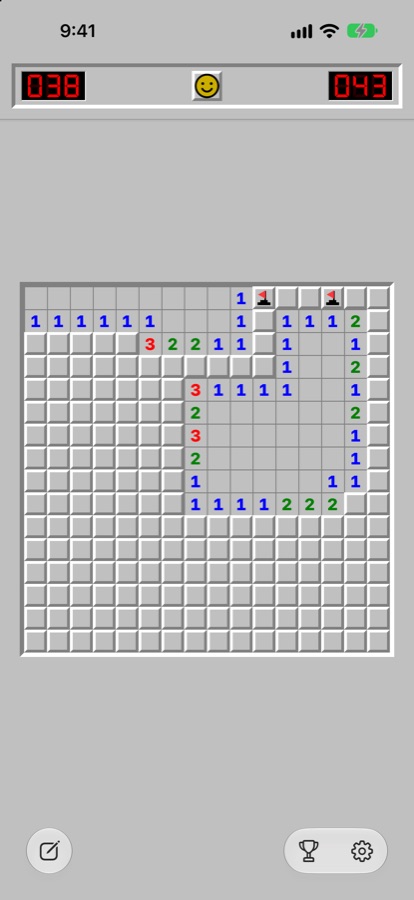
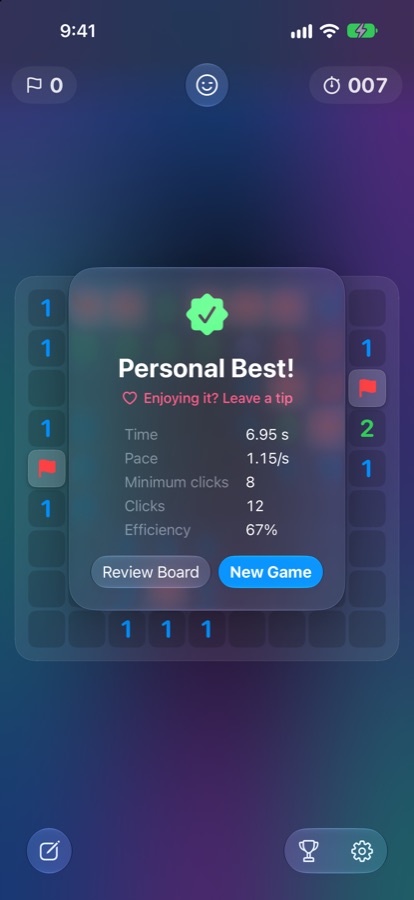
Liquid Glass for today, or Classic with sunken tiles, LED counters and the smiley face.
The classic, rebuilt in Liquid Glass.
Only on the App Store, for iPhone, iPad and Mac.
Requires iOS, iPadOS or macOS 26 or later.


Liquid Glass for today, or Classic with sunken tiles, LED counters and the smiley face.
Beginner, Intermediate, Expert and custom boards. A safe first click, chording and question marks.
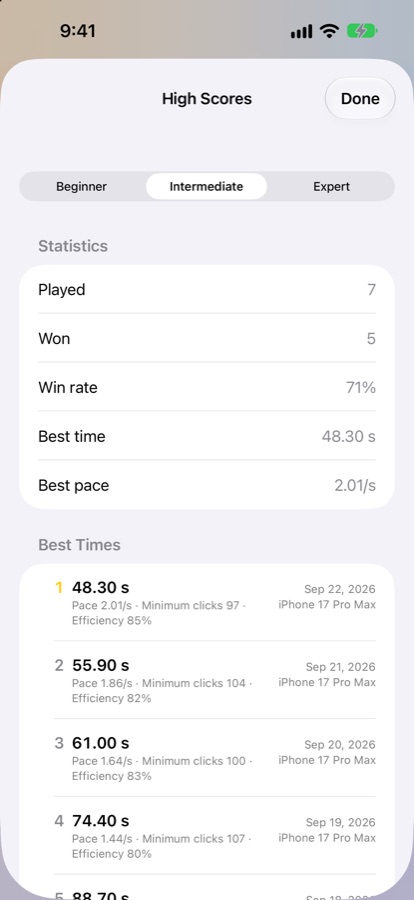
High scores sync through iCloud, and Game Center leaderboards show how you rank.
Every game records time, 3BV, pace and efficiency, so you can see what to practise.
Taps and long presses on iPhone, pointer and keyboard on iPad and Mac, and both displays of iPhone Duo.
The game in progress is saved after every move, zoom and scroll included.
Ideas, bugs, or a board that beat you. Every message gets read.
Write to usSomething not working? Tell us your device and what happened.
Contact supportLong-press a tile. If you'd rather tap, turn off Hold to Flag in Settings and a flag button appears in the toolbar that switches taps between revealing and flagging.
Yes. Mines are placed after your first click. Settings let you choose whether it always opens a clear space, or only avoids a mine, as in older Windows versions.
Scores sync through iCloud. Check that each device is signed in to iCloud with the same Apple Account, then give it a minute.
Nothing in the game. Tips are an optional thank-you and don't unlock anything.